

YouTube Thumbnail Size and Other Social Dimensions
Fit images to the recommended dimensions for YouTube thumbnails, Instagram posts, and OG images in one step. Choose between filling the frame and keeping the whole image, and everything is processed inside your browser.
Choose JPG or PNG files
Drag and drop multiple files at once
Recommended image sizes by platform
These are the sizes each platform publishes. Uploading larger doesn't improve quality, because the platform downscales it again and the page just loads slower. Uploading smaller gets it stretched and blurred.
| Use | Recommended size | Ratio |
|---|---|---|
| YouTube thumbnail | 1280×720px | 16:9 |
| Instagram square | 1080×1080px | 1:1 |
| Instagram portrait | 1080×1350px | 4:5 |
| Instagram story | 1080×1920px | 9:16 |
| OG image | 1200×630px | 40:21 |
| Blog hero | 1200×675px | 16:9 |
What it does
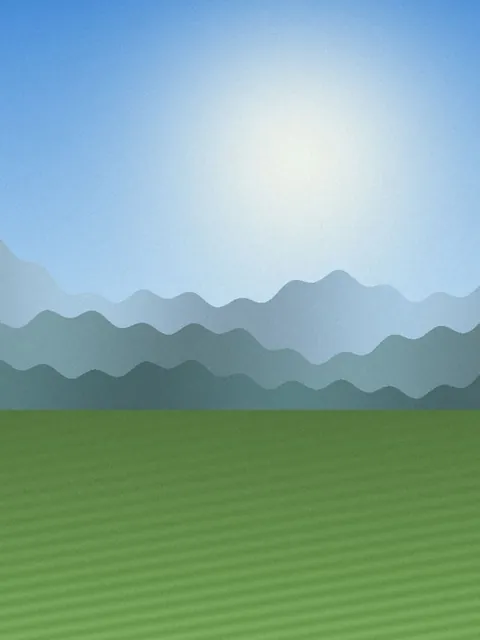
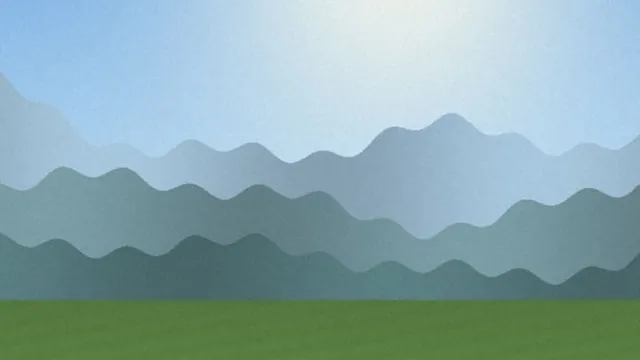
A portrait photo cropped to the YouTube thumbnail size, 1280×720.
How to use
- Drop your images here or click to choose them. You can select several at once.
- Pick a platform preset and a fitting mode: fill and crop, or fit whole image.
- Press fit to size to generate the results. Multiple files come back as a ZIP.
FAQ
- Is uploading larger than the recommended size a problem?
- It does not improve quality and it does slow loading. Platforms re-scale and re-compress whatever you upload to their own spec, so a 4000-pixel original is still shown as a downscaled copy. Uploading smaller than the spec is the real mistake, since the image gets upscaled and looks soft.
- Should I fill and crop, or fit the whole image?
- For thumbnails, where the composition carries the message, fill and crop covers the frame completely; keep the important elements near the center. For product shots that must not be cut, fit whole image adds white padding but trims nothing.
- What is the YouTube thumbnail size limit?
- YouTube accepts thumbnails up to 2MB. At 1280x720 saved as JPG you will typically land near 300KB, so the limit is rarely an issue. If you do need to go smaller, pair this with the image compression tool.
- Text on my thumbnail looks blurry.
- JPG's lossy compression produces artifacts wherever colors change abruptly, which is exactly what letters do. Switching the output format to PNG keeps those edges crisp. Since platforms often re-encode to JPG anyway, the durable fix is to avoid very thin or very small lettering.
Related guides
- Blog and YouTube Thumbnail Sizes and File Size Limits
Recommended thumbnail dimensions and aspect ratios for YouTube, blogs, and social media, why oversized originals slow pages down, and the order in which to resize and compress.
Related tools
 Resize image
Resize JPG or PNG width and height in pixels.
 Crop Image
Drag to keep just the part you need. No loss of quality.
 Compress image
s to your target file size (KB or MB).